
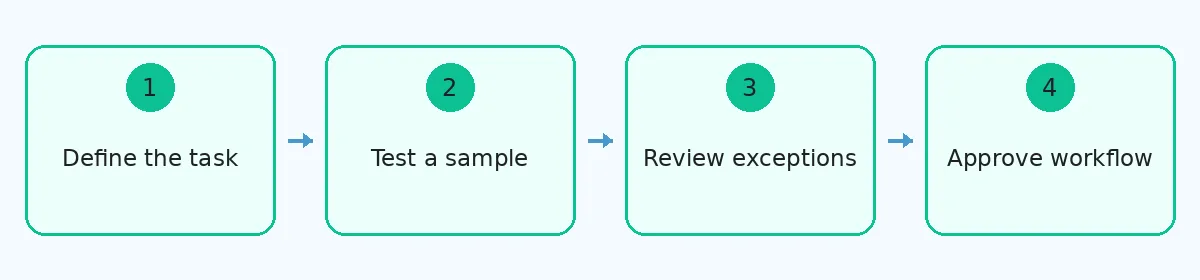
 Define the task → Test a sample → Review exceptions → Approve the workflow
Test prospect research automation on a small, reviewed sample before connecting it to outreach. Define the audience, compare returned information with source evidence, and hold uncertain records for review. Measure the time required to produce an accepted record. This gives a sales team a practical basis for deciding which steps to automate.
A useful first project produces a research brief that another person can check. For someone learning sales development, the exercise also shows how data collection, role selection, and record handling fit together. A spreadsheet and a controlled sample can reveal those decisions before the team adds more software.
Define the job you want prospect research automation to perform
Choose one task with a clear input and result. For example, start with a confirmed company and professional profile, then produce a checked contact record. The personal email finder by SignalHire can support the email-search stage. Its available fields do not determine which person your team should approach or which address suits the purpose.
Write an acceptance rule before running a lookup. A prospect record might need a matching identity, a relevant current role, a professional contact route, and evidence for the selection. Treat personal and business addresses according to the intended use and stated preferences. A found address alone does not authorize an outreach campaign.
Keep automatic sending outside this first test. Research errors are easier to correct while they remain in a review queue. Once a workflow sends messages, the same error can reach several people before anyone notices. Testing the research stage separately makes the exercise easier to assess.
Build a sample that includes difficult records
Select twenty profiles from the audience the team actually intends to approach. Twenty is a manageable training sample, not a statistical standard. Include routine cases alongside records that need judgment. Use the same inputs when comparing the manual process with the proposed automated workflow.
Useful test cases include:
A person who recently changed employers.
Two professionals with the same name.
A subsidiary that shares branding with its parent company.
A contact already recorded in the customer relationship management system, or CRM.
Review the source evidence yourself before the test. Save the professional profile, relevant company information, and the date checked. Mark unresolved details honestly. A manually prepared reference record can contain uncertainty too, so allow the reviewer to challenge the reference rather than assuming it must be correct.
Check what the contact lookup step actually establishes
A contact lookup comparison can help you form a shortlist of tools. Evaluate each option against the same task and current terms. An article describing several products cannot establish how any one product will perform on your own sample.
Separate identity, employment, and contact checks. A returned email might belong to the intended person while their listed role needs updating. A current company record might refer to the wrong subsidiary. Keep the original input beside the result so a reviewer can identify those differences.
Assign a status that explains the next action. The table below gives a working example for a test queue. Adjust the rules to your organization's requirements before using them in a live process.
Result | Status | Next action |
Person and required fields match | Ready for review | Approve the proposed contact use |
Current employer remains unclear | Hold | Check another professional source |
Result belongs to another person | Reject | Correct the matching rule |
Existing contact has declined outreach | Suppressed | Preserve the recorded restriction |
Test the handoff into the CRM
Review what happens after a lookup produces a result. A useful workflow should preserve the selected profile, source, check date, and exception status. It should also recognize existing records before adding another copy. Define which system owns accepted corrections so a later import cannot restore an obsolete address.
For a training exercise, use a separate test area or a controlled file. Restrict access to the people reviewing the sample. Check the proposed field mapping before writing to the working CRM. A company name placed in a role field can make an otherwise accurate result unusable.
Run the handoff in order:
Save the original input and the proposed result together.
Apply the matching and acceptance rules to each record.
Place unresolved cases in a review queue with a reason.
Check duplicates, previous corrections, and contact restrictions.
Inspect the saved records before approving any outreach connection.
Measure accepted records and the work behind them
Count the records that meet the written rule, then record the research and correction time. Include missing results in the attempted sample. Removing unsuccessful lookups would hide part of the work. Keep wrong-person matches separate from missing contact fields because those failures require different changes.
For example, a hypothetical twenty-record test might produce fourteen accepted records, four unresolved employment checks, and two identity errors. That result describes this example only. It suggests reviewing the matching rule and employment evidence before expanding the workflow. A faster run would not resolve either problem by itself.
Keep the sample, acceptance rule, exception log, and timing notes as a small project record. A colleague should be able to explain why a record passed without rerunning every lookup. Before connecting automation to your first campaign, review that project record and approve only the steps the test actually supports.